
Confluent HTTP Sink
The easiest way to ingest data from Confluent Cloud based kafka pipelines is using their HTTP Sink.
Prerequisites
To set up this integration you'll need to first:
- Set up an ingest using the
Array of JSON Objectsschema. - Create an API Key to use with this integration with
Writepermissions. We'd recommend creating a dedicated Org-Wide API Key. - Follow the instructions here to install the
HTTP Sinkconnector on Confluent Cloud
The guide and examples below assume you're using Confluent Cloud. See the docs here for local installations.
Setting up the connector
1 - Topic Selection
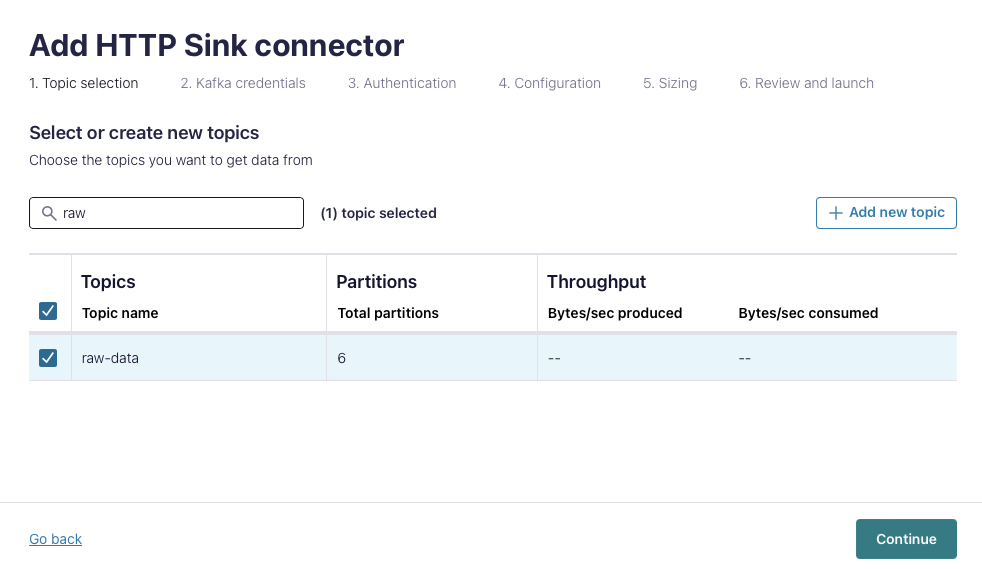
First, create a new HTTP Sink and select the source topic(s).
2 - Kafka Credentials
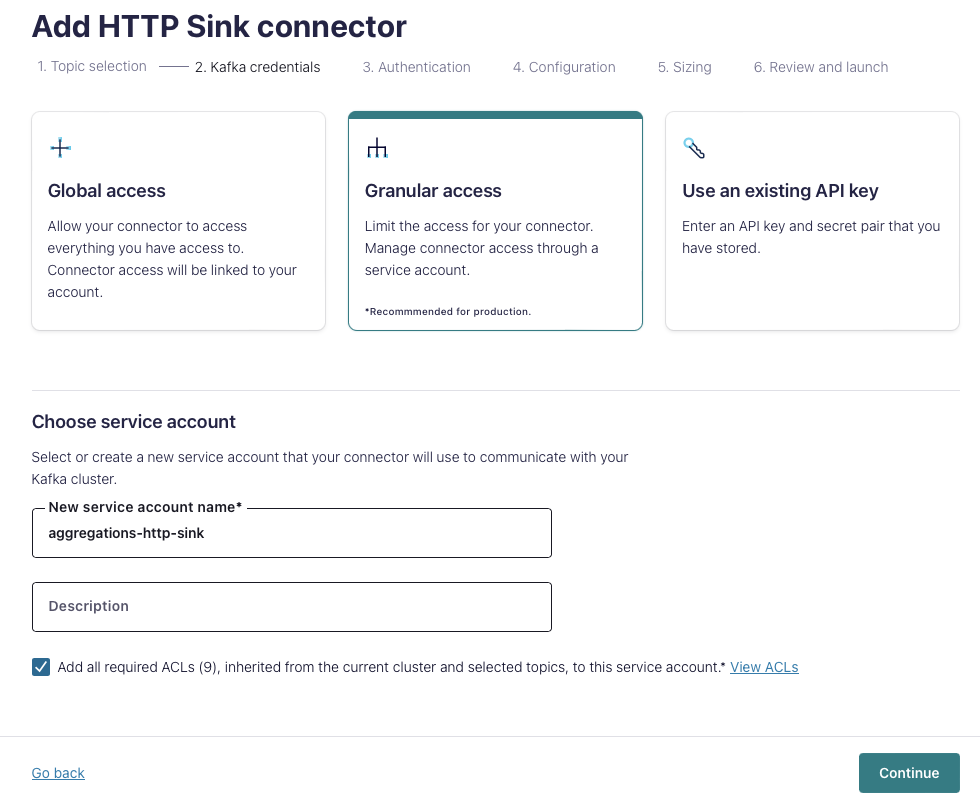
Choose an appropriate authentication method. These credentials need access to the topic, but will not be used by Aggregations.io.
3 - Authentication
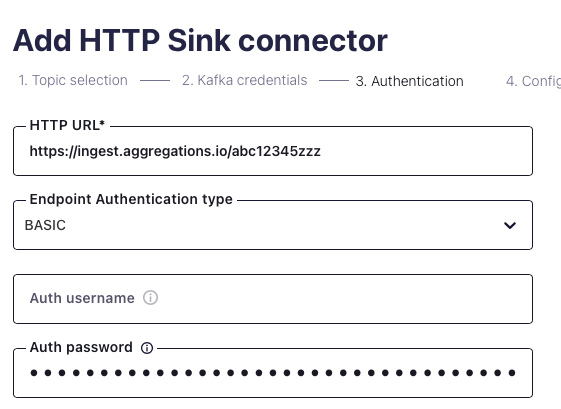
Set the following options:
HTTP URLshould be yourPOST URL, something likehttps://ingest.aggregations.io/[ID](find it here)- Choose
BASICfor theEndpoint Authentication Type - The
Auth usernameshould be blank. - The
Auth passwordshould be your API key.
4 - Configuration
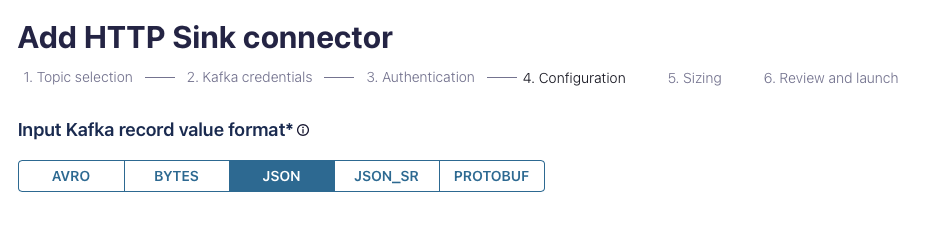



Choose the relevant Input record value format for your data.
Click Show advanced configuration to reveal all the options you'll need.
Important settings:
Request Body Formatshould be set tojsonBatch max sizeshould be set ~ 250. Depending on the average size of your payload, you may want to increase or decrease this to ensure your payloads do not exceed 1MBBatch json as arrayshould betrue- Retry related settings can be adjusted to your preference for robustness and resiliency.
5 - Sizing
Select the number of tasks that makes sense for your throughput and setup.
6 - Launch
Launch the connector. Confluent Cloud will by default create an error & DLQ topic for validating everything works as expected.
Troubleshooting
Error Codes
See the Ingest Docs for common errors ingesting events.
Events don't seem to be batching?
From the Sink Docs:
The HTTP Sink connector does not batch requests for messages containing Kafka header values that are different.
Confirm your Kafka records have the same key.